

Everlight Trips
Travel through Japan to sit with tea masters, learn kintsugi from sensei and wander quiet gardens.
Find out more →, Everlight Trips, opens in a new tabIf this moment feels too heavy, you don't have to carry it alone.
All help linesAdd Everlight to your home screen and the player sits with your other apps. The music is live, so it is not saved on the phone. When you are offline, the help lines stay with you.
When this browser can install Everlight, the button appears here. Chrome and Edge on Android and on a computer usually offer it. iPhone uses the Safari steps below.
Listen is where the icon opens.
Tap Install Everlight when it is shown. If the button is not there, open the browser menu and choose Install app, or Add to Home screen.
Press play, then lock the screen. The sound can keep going. The lock screen and the notification show the programme, the presenter, and the song title when one is playing. Pause is there too.
A browser can still stop the sound if it puts the tab to sleep. That limit belongs to the phone, not to the station.
Live is the station as it is playing now. This page is the website player. A sponsor message can still play for where you are.
Travel through Japan to sit with tea masters, learn kintsugi from sensei and wander quiet gardens.
Find out more →, Everlight Trips, opens in a new tab
One cup, your time, your journey. Short pauses, gentle classes and the Tea Academy.
Find out more →, Everlight Tea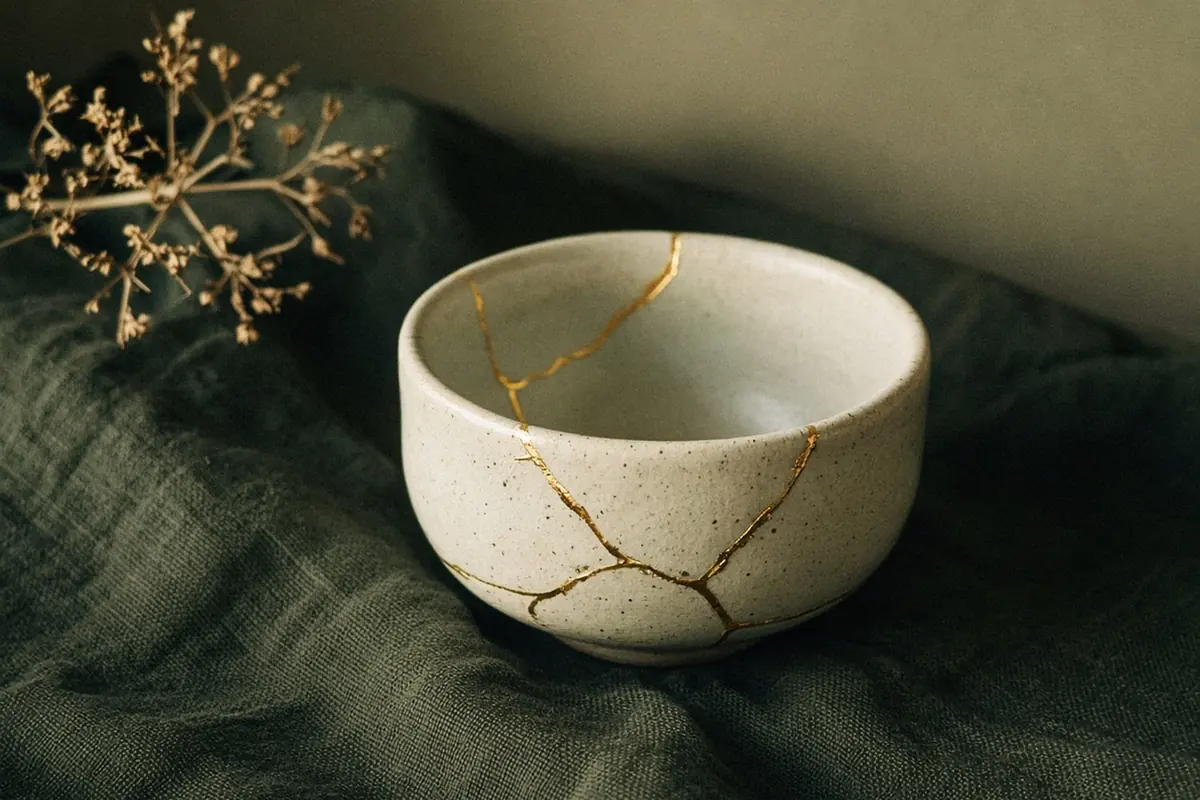
The art of golden repair. Every kintsugi experience begins with tea.
Find out more →, Kintsugi
Handmade pieces and hands-on making.
Coming soon
Kintsugi Noki as provider, Pull Up A Chair Radio as the digital channel.

Programme · Kintsugi Hour
Kintsugi Corner · Episode 2 · Sit with the pieces · Story
Now playing · Kintsugi Corner · Episode 2 · Sit with the pieces · Story · Pull Up A Chair Radio
Next programme · Remembrance Songs · 19:00 Brisbane time